
Keybrix
A cross-platform desktop app for building macros and automating repetitive tasks using Scratch-like visual blocks. Built with Electron, React, and TypeScript.
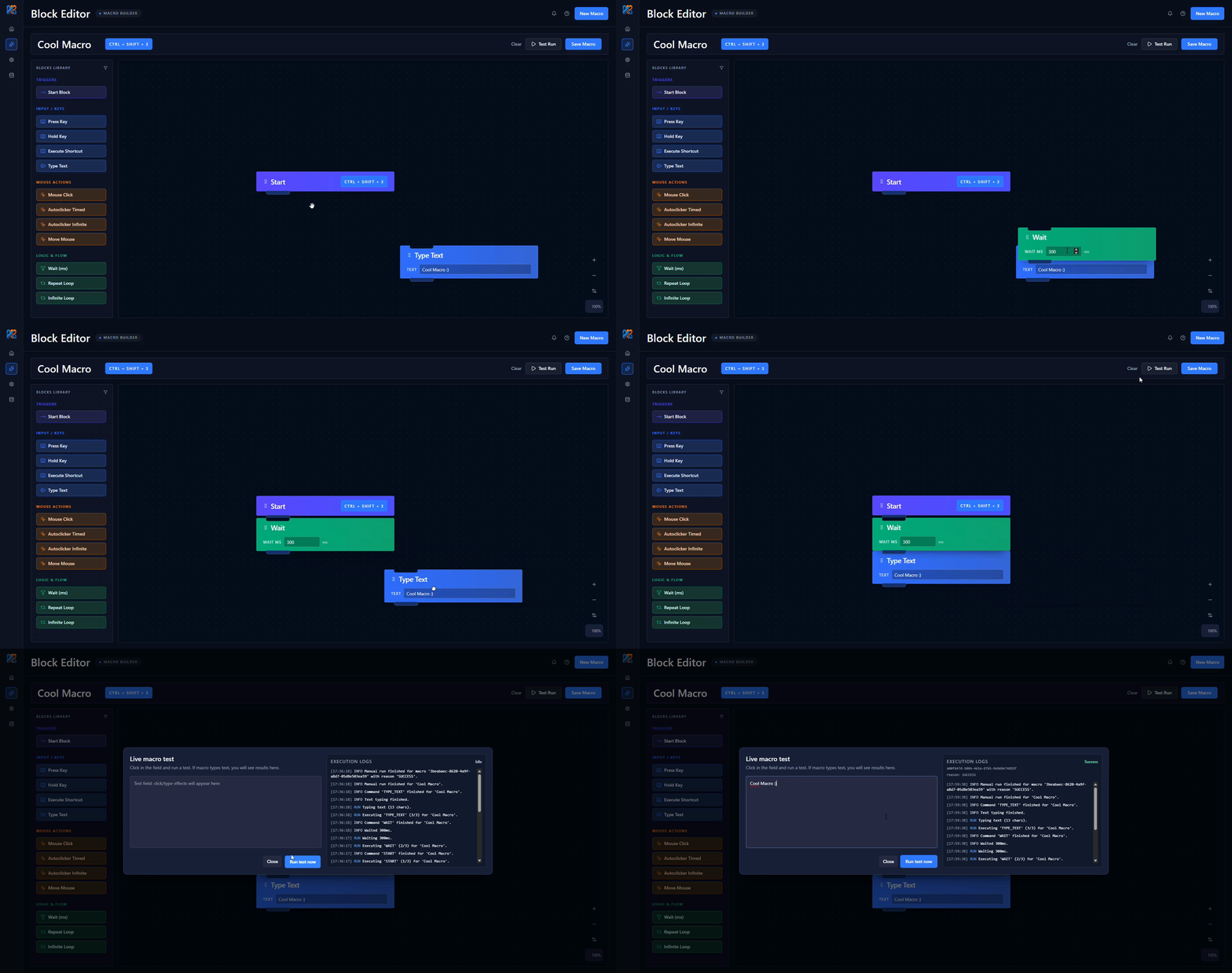
Visual macro builder — automate without writing code
Keybrix — automate repetitive tasks without writing code
Repetitive actions cost time and energy — whether it is filling forms, grinding in games, or daily operations inside desktop apps. Tools like AutoHotkey are powerful, but they require learning syntax and writing scripts. That is a barrier that excludes most users.
Keybrix was built to remove that barrier.
Idea and project goal
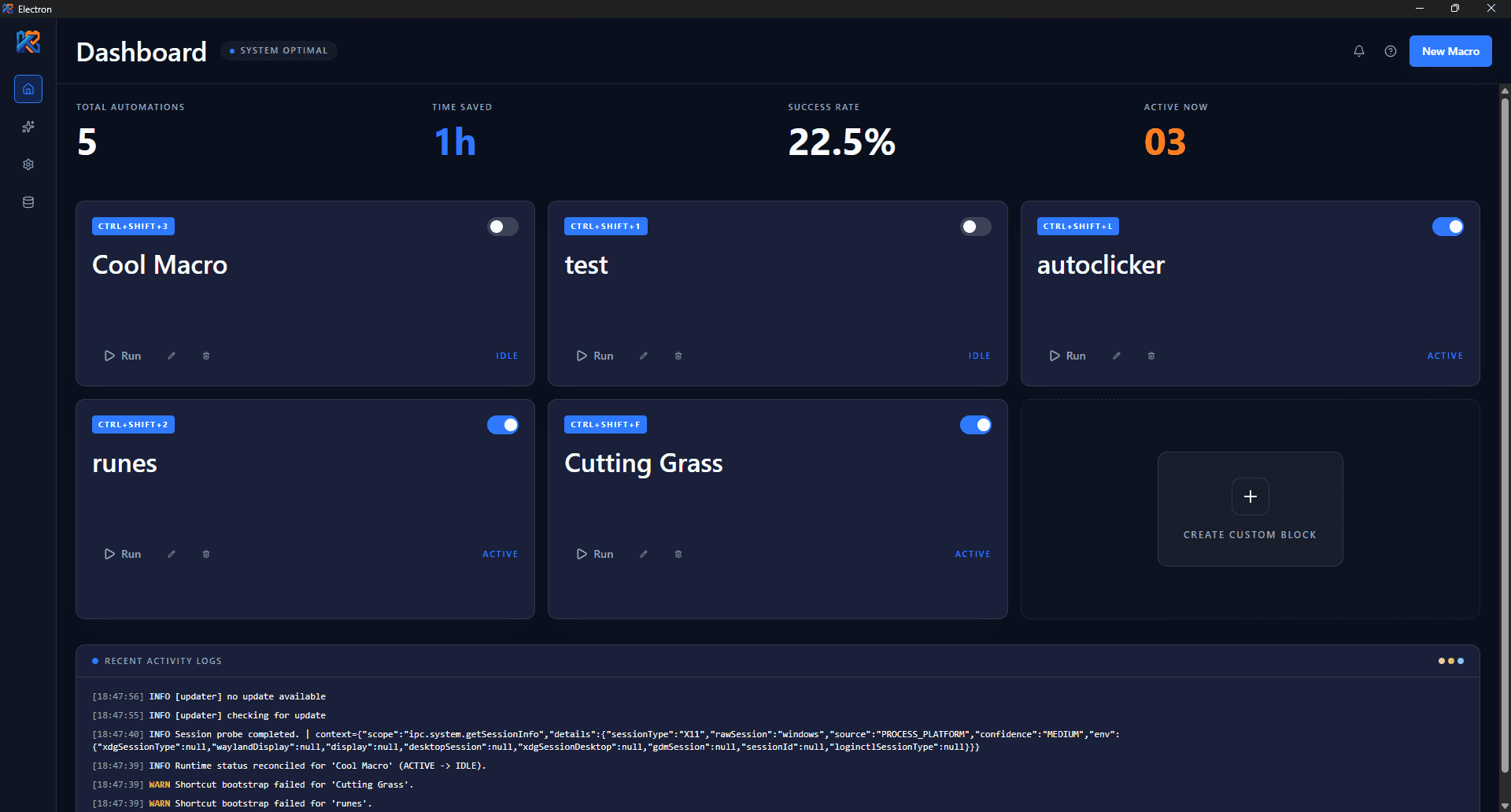
The goal was to create a desktop application where users build macros like a puzzle — drag blocks, chain them into sequences, and assign a global keyboard shortcut. No terminal, no scripts, no syntax to remember. The inspiration came from observing how many games and tools force people to repeat the same key and mouse sequences over and over, often for hours every week.
Who is it for?
- Gamers who want to automate tedious in-game mechanics.
- Freelancers and professionals repeating the same operations across apps.
- Non-technical users who need automation but do not want to write scripts.
- People with limited mobility who can trigger complex actions with a single shortcut.
How it works
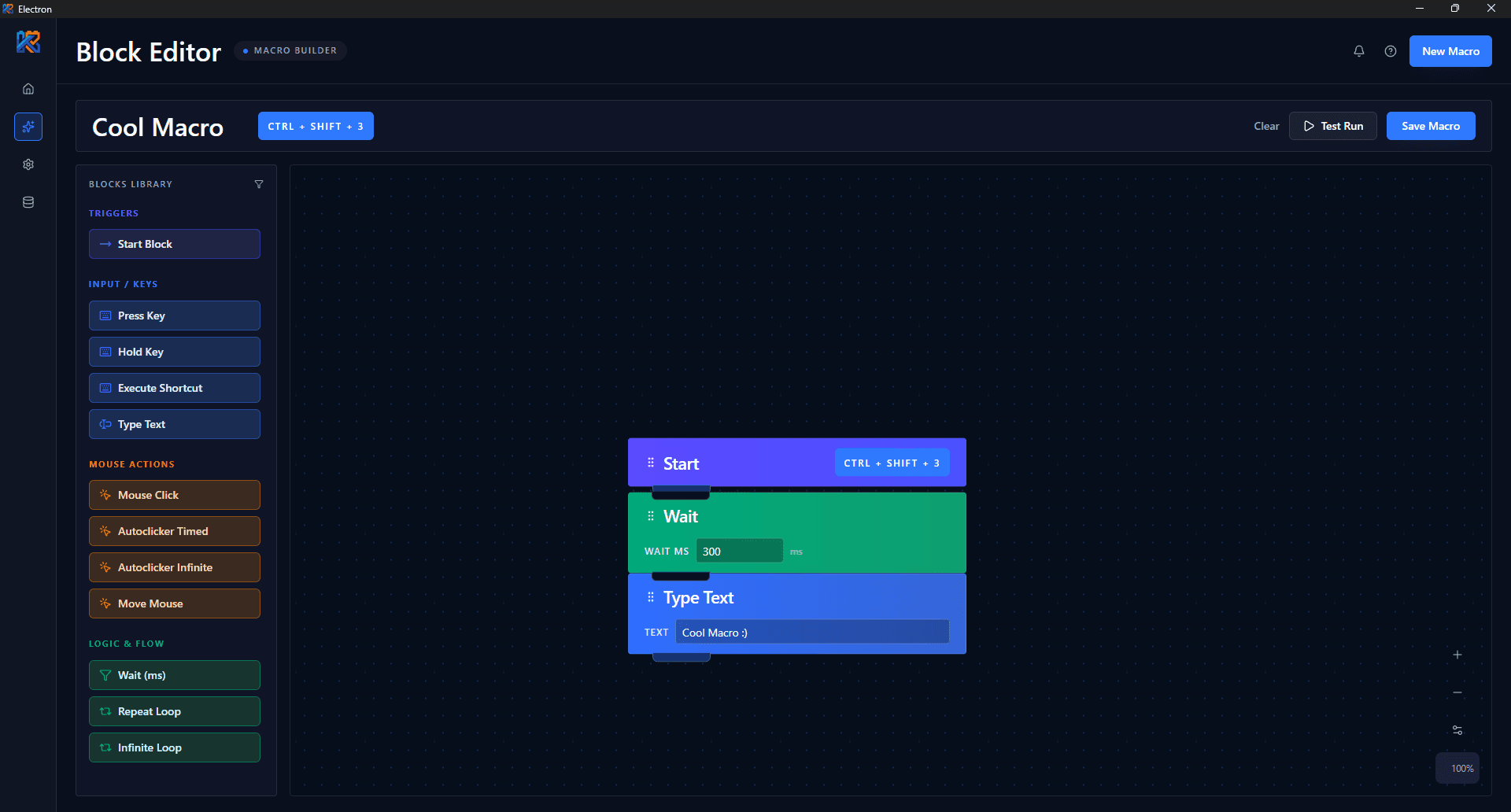
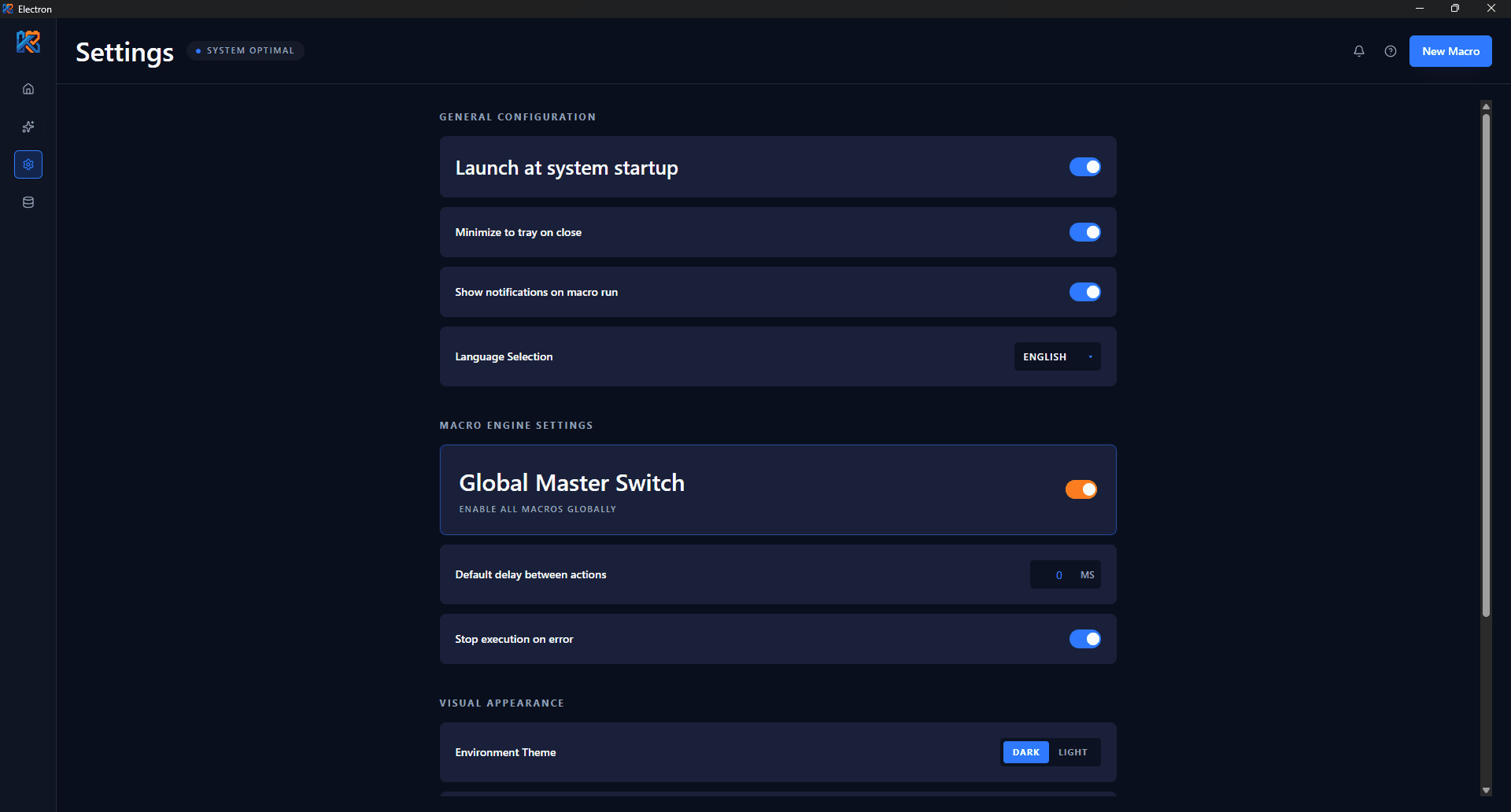
Users open the visual editor and arrange blocks representing actions: press a key, hold it, type text, move the mouse, click, wait, repeat. Each block is a small, self-describing component with validated fields. After saving a macro, they assign a global shortcut (e.g. Ctrl + Shift + M) that works from anywhere in the system.
Under the hood the app has three layers:
- Electron main process handles shortcut registration, system access, and macro execution.
- Preload + IPC provides a secure, typed bridge to the UI — every message is validated with
zod. - React + Vite delivers a fast, responsive interface with dark/light theme, animations, and PL/EN localization.
Tech stack
- Electron 39 — desktop app engine for Windows, macOS, and Linux.
- React 19 + Vite — modern UI and fast iteration.
- TypeScript 5.9 — full type coverage, including inter-process messages.
- Blockly + react-blockly + custom runtime — visual editor and custom macro execution engine.
- Zod + Zustand — data validation and state management.
- Tailwind CSS 4 + Framer Motion — UI and animations.
- nut.js — low-level keyboard and mouse simulation.
- Vitest + Testing Library — unit and integration tests.
- electron-builder —
.exe,.dmg,.AppImage,.deb,.snappackages.
Challenges that kept us going
The most interesting problem turned out to be Wayland support on Linux. Modern compositors block low-level input simulation for security reasons. Instead of dropping full Linux support, we built session detection (X11 / Wayland / UNKNOWN) and a dedicated screen with instructions on switching to X11/Ubuntu. That kept the cross-platform promise without bypassing security policies.
Another challenge was reliable global shortcuts across three operating systems. Every platform names modifiers differently (Ctrl vs Cmd, Alt vs Option), so we implemented an accelerator normalization layer that translates human-readable shortcuts into the format Electron understands and prevents conflicts between macros.
Results and future plans
The project took about three weeks — from the first block editor prototype to a working app with installable packages. Today Keybrix is at version 1.0.1, has 13 GitHub stars, an MIT license, and is actively used by the team on a daily basis. The roadmap includes if blocks, deeper system integrations, and a plugin system.
More importantly, Keybrix proves that you can build a full desktop application that is intuitive for non-technical users and technically mature under the hood.
Check the code and download
The repository is public and open to community contributions. You can browse the code, open an issue, or download the latest release: