
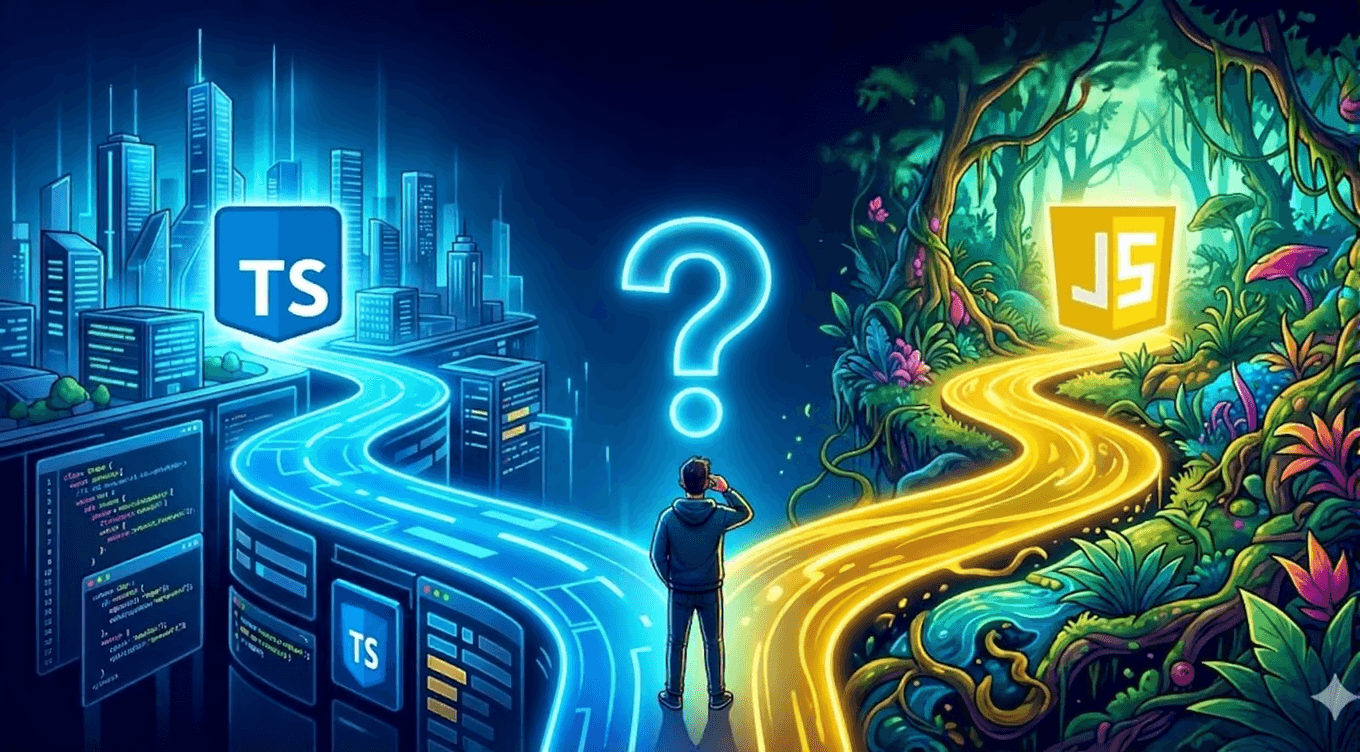
TypeScript vs JavaScript
Comparing TypeScript and JavaScript — when is typing worth it?
Introduction
TypeScript and JavaScript are two of the most important technologies in modern web development. JavaScript is the universal language of browsers and Node.js, while TypeScript builds on top of it by adding static types and developer tooling. Understanding the differences between TypeScript and JavaScript, and when each makes sense, helps teams build faster, safer, and more maintainable applications.
What is JavaScript?
JavaScript is a dynamic, interpreted programming language originally designed for web browsers. Today it runs everywhere: servers, mobile devices, desktop applications, and IoT. Its flexibility, enormous ecosystem, and event-driven nature make it ideal for user interfaces, APIs, real-time tools, and scripting.
Strengths of JavaScript
- Universal reach: Every modern browser supports JavaScript, making it the default frontend language.
- Huge ecosystem: npm, bundlers, frameworks, and libraries give teams tools for almost every problem.
- Fast to start: You can open a text editor, write a
.jsfile, and run it without a build step. - Dynamic by design: Objects, arrays, and functions can be shaped freely, which is great for rapid prototyping.
Where JavaScript works best
JavaScript is a strong choice for small projects, marketing sites, quick prototypes, serverless functions, and any environment where the build process should be minimal. It also remains a good teaching language because beginners can see results immediately.
What is TypeScript?
TypeScript is a typed superset of JavaScript developed by Microsoft. It adds an optional type system, interfaces, enums, and advanced tooling before the code is transpiled back to plain JavaScript. This means that TypeScript runs everywhere JavaScript runs after compilation.
Strengths of TypeScript
- Compile-time error detection: Many bugs that would appear at runtime are caught during development.
- Superior IDE support: Autocompletion, inline documentation, safe refactoring, and navigation are far more reliable.
- Self-documenting code: Types clarify what each function expects and returns.
- Better team collaboration: Contracts between modules make it easier for multiple developers to work on the same codebase.
- Safer refactoring: Large renames and structural changes are less risky because the compiler points out every affected call site.
Where TypeScript works best
TypeScript pays off most in larger applications, long-lived codebases, teams where multiple people touch the same code, and projects with complex data models. Frameworks such as Angular, Next.js, and NestJS often use TypeScript by default.
Key differences between TypeScript and JavaScript
Dynamic vs static typing
JavaScript checks types while the program is running. A missing property or a wrong argument can crash the app in production. TypeScript checks types when you compile, surfacing those issues before deployment.
Build step
JavaScript can be executed as-is in browsers and Node.js. TypeScript must be compiled with tsc, Babel, or a bundler like Vite or Webpack. This adds a small cost to the development workflow and build pipeline.
Tooling and developer experience
TypeScript-aware editors can provide autocompletion, jump-to-definition, and precise refactoring across entire projects. JavaScript editors also support these features, but they are less reliable because the language does not enforce type contracts.
Error feedback
JavaScript errors are often discovered by tests or users. TypeScript turns a category of runtime errors into red squiggles during development, reducing the cost of fixing them.
Ecosystem compatibility
All valid JavaScript is also valid TypeScript. Existing libraries can be used directly, and the DefinitelyTyped repository provides type definitions for thousands of npm packages. When types are missing, developers can write their own declaration files.
When should you choose JavaScript?
- Small or short-lived projects where setup speed matters more than long-term maintenance.
- Teaching or learning programming without the mental overhead of type annotations.
- Rapid prototyping where requirements change constantly and code is expected to be rewritten.
- Serverless scripts and one-off utilities that do not justify a build step.
- Projects with tiny teams where the entire codebase fits in one person's head.
When should you choose TypeScript?
- Large or growing codebases where changes in one file affect many others.
- Teams with multiple developers who need a shared contract for components and APIs.
- Long-term products that will be maintained for years.
- Complex domain models where type safety prevents invalid states.
- Frameworks and libraries where public APIs are consumed by other developers.
Practical benefits of TypeScript
Fewer runtime errors
A significant portion of production bugs in JavaScript are type-related: calling a function with the wrong arguments, accessing an undefined property, or mixing up string and number IDs. TypeScript catches these before deployment.
Faster development at scale
Autocomplete and inline error messages reduce the need to search through files. Refactoring becomes a guided process instead of a risky search-and-replace exercise.
Better code reviews
Pull requests with explicit types are easier to reason about. Reviewers can see what a function expects and returns without reading the entire implementation.
Improved documentation
Types act as living documentation. Tools like TypeDoc can generate API references directly from type definitions, keeping docs in sync with the code.
Disadvantages and tradeoffs
Added build complexity
TypeScript needs a compiler, configuration, and sometimes type definition files. This setup is straightforward today, but it is still more than plain JavaScript.
Learning curve
Developers must learn type syntax, generics, conditional types, and configuration options. Teams new to TypeScript may slow down for the first few weeks.
Third-party types can be incomplete
Not every npm package ships with first-class types. When types are outdated or missing, developers must write custom declarations or accept looser typing.
Slightly slower builds
The type-checking step can add a few seconds to large builds. In most cases the tradeoff is worth it, but very large projects may need dedicated build optimization.
Migrating from JavaScript to TypeScript
Start with the configuration
Create a tsconfig.json with allowJs: true and checkJs: true. This lets you compile existing JavaScript alongside new TypeScript files.
Convert file by file
Rename the most stable or frequently changed files from .js to .ts first. Add basic type annotations to function parameters and return values.
Use strict mode gradually
Begin with a relaxed strict setting. As the team gains experience, enable strictNullChecks, noImplicitAny, and other options to catch more issues.
Keep tests and types in sync
Unit tests should still run against compiled output. Types catch a category of errors, but they do not replace functional testing.
TypeScript in modern frameworks
- Next.js: Fully supports TypeScript, including pages, API routes, and the App Router.
- React: JSX is supported natively in
.tsxfiles, and props can be typed with interfaces. - Angular: Built with TypeScript from the ground up.
- Node.js and Express: Backend services benefit from typed request and response objects.
- NestJS: Uses TypeScript decorators and reflection to build structured server-side applications.
Performance and output
TypeScript compiles to JavaScript and adds no runtime overhead. The compiled output is ordinary JavaScript, which runs at the same speed as hand-written JavaScript. Bundle size depends on the target, polyfills, and source code, not on TypeScript itself. Source maps help debug compiled code without losing the original type annotations.
Common myths
- "TypeScript is a different language." It is a superset of JavaScript. Any valid JavaScript program is also valid TypeScript.
- "TypeScript makes the app slower." Types are removed at compile time, so they do not affect runtime performance.
- "You must type every variable." TypeScript allows
any, inference, and gradual typing. You can start small and add types over time.
Summary
Both JavaScript and TypeScript are valuable tools. JavaScript is the fastest way to start and the right choice for small, focused work. TypeScript is an investment in long-term quality, team productivity, and safer code. The best choice depends on project size, team experience, and how long the code needs to live. For most modern applications that grow beyond a few files, TypeScript is the safer long-term bet.
Bitspire Team
Recommended articles

Jamstack Architecture

Next.js Performance Optimization