
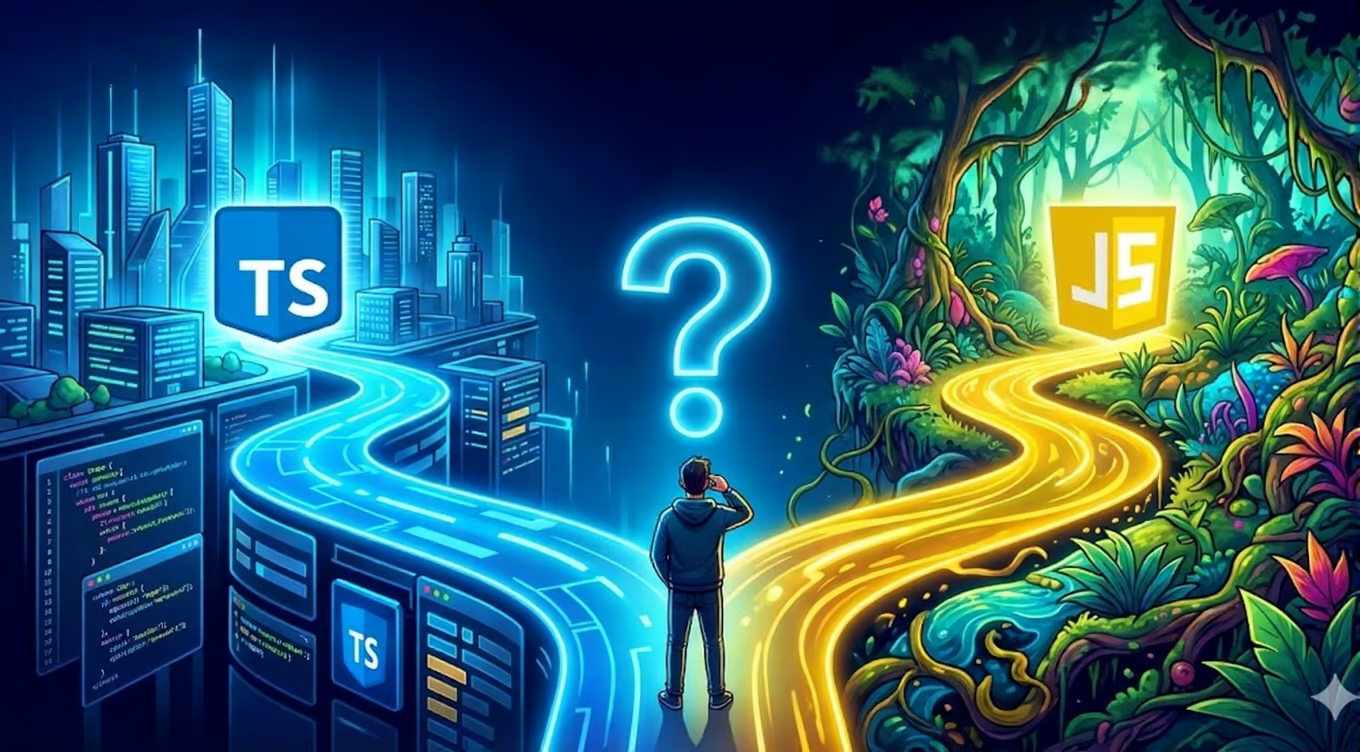
TypeScript vs JavaScript in 2025: Which to Choose?
Comparison of TypeScript and JavaScript in the context of modern web application development. When is TypeScript worth using?
Introduction
In the world of web development, there's an ongoing debate: TypeScript or JavaScript? In 2025, TypeScript has reached 85% adoption among large projects, but does this mean JavaScript has lost its value?
TypeScript - What Is It?
TypeScript is a superset of JavaScript created by Microsoft. It adds optional static typing to JavaScript, which allows catching errors at the coding stage.
1. Catching Errors During Development
// TypeScript will catch the error before runningfunction addNumbers(a: number, b: number): number {return a + b;}addNumbers(5, "10"); // Error: Argument of type 'string' is not assignable
2. Better IDE Support
- Autocomplete
- IntelliSense
- Jump to definition
3. Self-Documenting Code
interface User {id: string;}function greetUser(user: User): string {return `Hello, ${user.name}!`;}
4. Easier Teamwork
TypeScript reduces the risk of communication errors in teams through clearly defined API contracts.
For beginner programmers, TypeScript can be overwhelming. You need to learn:
- Type system
2. Additional Overhead
- More time for project setup
- Need for compilation
- Additional configuration files (tsconfig.json)
3. Not Always Necessary
Small projects or prototypes often don't require TypeScript.
JavaScript - Still Relevant?
JavaScript Advantages
1. Simplicity and Speed
- No configuration
- Immediate execution
- Ideal for prototypes
2. Flexibility
JavaScript allows for quick iterations and experiments without type constraints.
3. Smaller Bundle Size
No transpilation means smaller output files.
JavaScript Disadvantages
1. Runtime Errors
Errors only appear during application execution.
2. Harder Refactoring
Lack of types makes safe refactoring of large codebases difficult.
When to Choose TypeScript?
✅ Large projects - over 10,000 lines of code ✅ Team work - more than 3 programmers ✅ Enterprise applications ✅ Long-term projects ✅ API-intensive applications
When Is JavaScript Enough?
✅ Small projects - under 5,000 lines of code ✅ Prototypes and MVP ✅ Personal projects ✅ Scripts and tools ✅ Landing pages
Transitioning from JavaScript to TypeScript
If you decide to migrate, do it gradually:
Step 1: Add TypeScript to the project
npm install --save-dev typescript @types/node @types/react
Step 2: Create tsconfig.json
{"compilerOptions": {"target": "ES2022","lib": ["ES2022", "DOM"],"jsx": "react-jsx","strict": false, // Enable later"allowJs": true // Allow both JS and TS}}
Step 3: Migrate File by File
Change extensions from .js to .ts gradually, starting with the most critical modules.
Summary
In 2025, TypeScript is the standard for large projects, but JavaScript still works great for small applications. The choice depends on:
- Project size
- Team size
- Project lifespan
- Team experience
Our recommendation? Start with TypeScript for new medium and large projects. For small projects, JavaScript may be sufficient.
Need Help?
Our team has experience with both TypeScript and JavaScript. We'll help you choose the right technology and build a solid application. Contact us!


